
My Intra Paris is the intranet portal used by agents of the City of Paris to access their HR services, pay slips, and administrative procedures. The mobile version, accessible from outside via nomades.apps.paris.fr, generates specific blocks related to authentication, the browser, or network configuration. Here are ten concrete actions to unblock the most common situations.
Several of these tips for resolving issues on My Intra Paris concern errors that agents mistakenly attribute to a portal outage, while they actually stem from their own technical environment.
1. Update your phone number for two-factor authentication

Since 2024, the City of Paris has deployed two-factor authentication for certain agent profiles, particularly those handling sensitive data (finance, civil status, HR). The validation code is sent via SMS.
The most common cause of blockage at this stage is an outdated phone number in the agent’s file. Check with your IT contact that the registered number is indeed your current phone number. Without this update, no code can be received.
2. Avoid locking out after three failed attempts

The login system for My Intra Paris applies automatic locking after three incorrect codes. Once the account is blocked, only IT support or the management contact can reactivate it.
Before entering a code, wait for its effective reception on your phone. If the SMS is delayed, do not retry immediately: a wait of a few minutes may suffice. Entering multiple expired codes leads to failures and triggers the lockout.
3. Use the password reset procedure
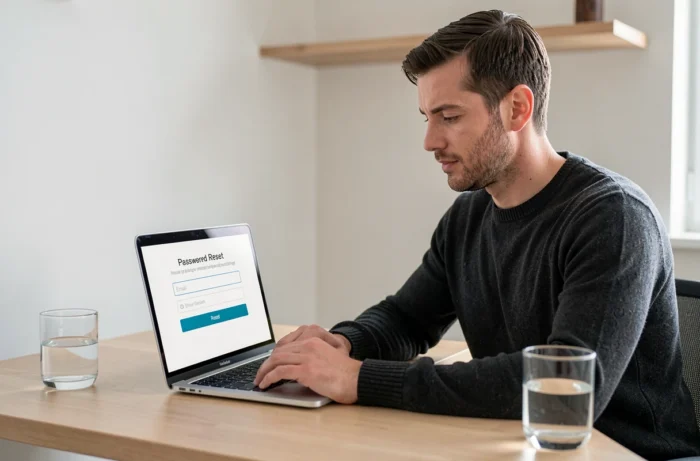
The mobile portal offers a dedicated “Forgot password” link that redirects to the City of Paris’s digital identity management platform. This procedure sends a reset link to the professional email address associated with the account.
If this address is no longer active (change of department, transfer), the self-service reset fails. In this case, going through the IT contact remains the only option to unblock access.
4. Clear the browser cache and cookies

A saturated cache or expired cookies can cause redirection loops on the authentication page. The typical symptom: the login page reloads endlessly after entering the credentials.
The action consists of deleting targeted browsing data on the domain nomades.apps.paris.fr. On most browsers, the shortcut Ctrl+Shift+Delete opens the cleaning panel directly. Check “Cookies” and “Cache”, confirm, and then restart the browser before attempting to log in again.
5. Check browser compatibility with My Intra Paris
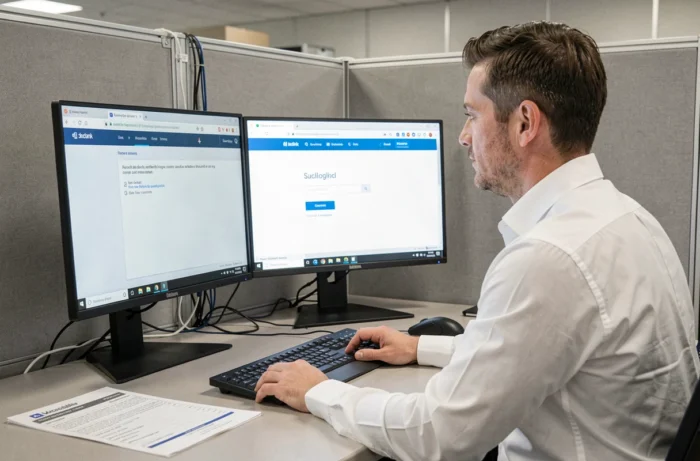
The mobile portal relies on components that work properly on recent versions of Firefox, Chrome, and Edge. Outdated browsers or certain mobile versions of Safari may display incomplete pages or block authentication.
Updating your browser before any other action eliminates a significant portion of display issues. If the problem persists, testing with another browser helps isolate the cause.
6. Temporarily disable the VPN or personal proxy
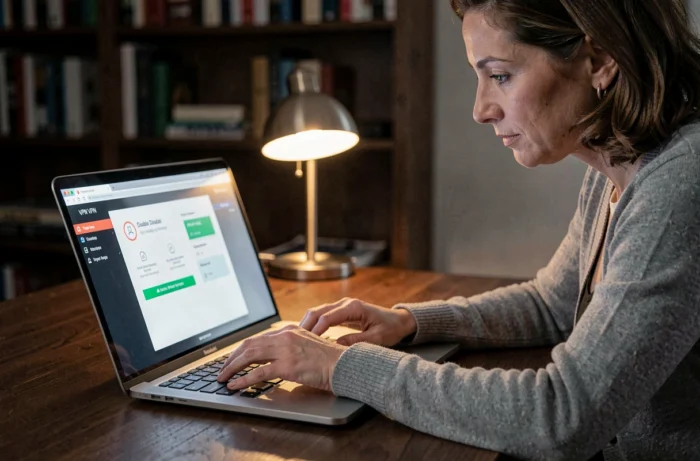
An active VPN can redirect traffic to a server located outside France, triggering an access denial on the portal side. The same problem occurs with certain corporate proxies configured on personal equipment.
To diagnose, disable the VPN, reconnect to your home Wi-Fi network or a 4G hotspot, and then try to access again. If the page displays normally, the problem lies with the network configuration, not the portal.
7. Contact your management IT correspondent

Each department of the City of Paris has a dedicated IT correspondent. This contact manages account reactivation requests, profile updates, and access permissions to the mobile portal.
This channel is often faster than a generic ticket to central support. Prepare your agent ID and describe the exact error message you are receiving: this speeds up diagnosis.
8. Check the service status before looking for a local outage

Before making any changes to your workstation, check if the portal is under maintenance. Scheduled operations on the City’s IT infrastructure may temporarily render My Intra Paris inaccessible, often in the evening or on weekends.
A colleague successfully connected at the same time confirms that the problem is local. If no one can access it, the outage is server-side and no local action will resolve it.
9. Adhere to the usage charter to avoid account suspension

The mobile portal displays a legal reminder at each login: access is subject to authorization, and any unauthorized attempt is sanctioned in accordance with articles 226-15 and 323-1 to 323-7 of the penal code. An account may be suspended if abnormal usage is detected.
Concrete causes of suspension include:
- Sharing credentials with another agent or a third party
- Accessing from a shared workstation without systematic logout
- Simultaneous connections from multiple devices with inconsistent locations
10. Secure your personal workstation for reliable mobile access
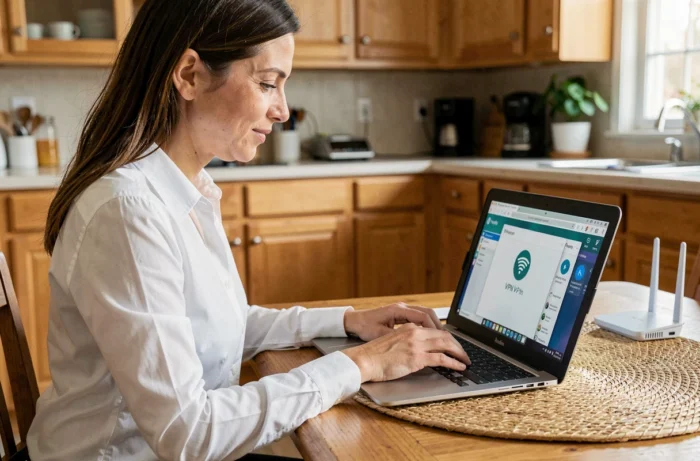
A personal workstation infected with malware can intercept credentials or disrupt the connection to the portal. An up-to-date antivirus and a maintained operating system form the minimal foundation for stable mobile access.
Also, ensure that your device’s clock is automatically synchronized. A time difference, even of a few minutes, can invalidate authentication tokens and cause session errors that resemble a portal outage.
The majority of blockages on My Intra Paris stem from the agent’s environment (browser, network, outdated phone) rather than the portal itself. Addressing these points one by one, starting with the simplest (cache, browser), can resolve most situations without needing to contact support.