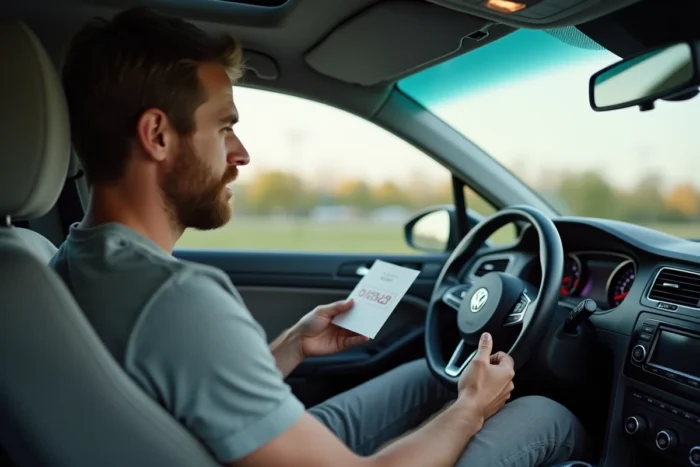
When a Volkswagen car radio displays “SAFE” or requests a 4-digit code after a battery change, the first question concerns the actual cost of unlocking it. Several methods exist to retrieve this Volkswagen car radio code, but their actual free availability varies depending on the source used. This article compares the available options and assesses what each entails in terms of time, technical access, and actual expense.
Free and Paid Methods for a Volkswagen Car Radio Code: Comparison
| Method | Cost | Estimated Time | Prerequisite |
|---|---|---|---|
| Original documents (manual, maintenance booklet, code card) | Free | Few minutes | Have kept the vehicle papers |
| Volkswagen dealer | Variable (free to paid depending on the garage) | Few days | Proof of ownership, VIN or serial number of the unit |
| “Free” online services | Often paid at the end of the process | Few minutes to few hours | VWZ serial number |
| Manual extraction of the serial number + community database | Free | Variable | Disassembly tools, physical access to the car radio |
This table highlights a point that most online guides do not detail: free access is often partial or conditional. Online services that promise a free code frequently redirect to a payment once the serial number is entered. Only original documents and certain community databases provide truly free access.
Before going further, it is possible to obtain a free Volkswagen car radio code by following a detailed procedure tailored to your model.
VWZ Serial Number: Where to Find It Without Removing the Unit
The serial number is the cornerstone of any code recovery. On Volkswagen car radios, it usually starts with VWZ followed by a series of numbers. The classic method involves physically removing the car radio to read the label stuck on the back or side of the casing.
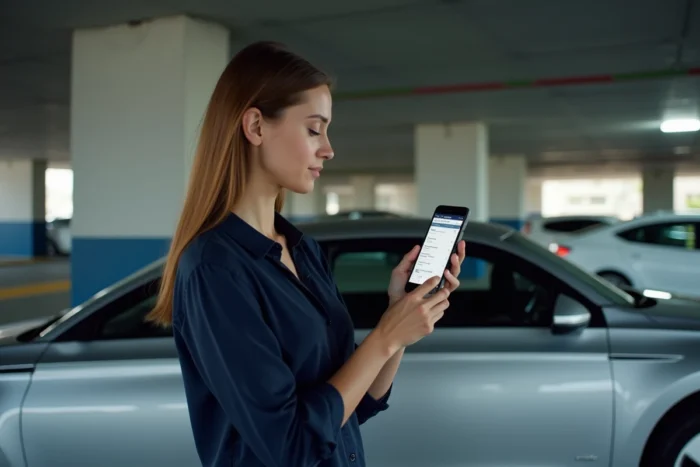
On some models (Golf, Polo, Passat equipped with RCD or RNS units), there is a shortcut: pressing and holding buttons 1 and 6 simultaneously for a few seconds will display the serial number directly on the unit’s screen. This method does not work on all systems, but it avoids unnecessary disassembly.
When Disassembly Remains the Only Option
If the on-screen display yields nothing, the car radio must be extracted. Volkswagen units use side notches compatible with specific disassembly keys (two U-shaped metal rods). These tools can be found for a few euros online or at auto parts stores.
- Insert the two keys into the side slots of the unit until you hear a click
- Gently pull the car radio towards you to slide it out of the dashboard
- Read the VWZ serial number on the back label, without disconnecting the cables if possible
- Also note the complete model reference (e.g., RCD 310, RNS 510) to facilitate code searching
The serial number alone is not always sufficient. Some services also require the vehicle’s VIN to verify the match between the unit and the car.
Volkswagen Dealer or Online Service: Real Discrepancies
The dealer remains the most reliable source. With a registration document in your name and the vehicle’s VIN, the after-sales service can find the code in the Volkswagen database. However, this service is not always free: some garages charge a search fee, while others offer it for free if the vehicle was purchased from them.
Online services operate differently. You enter the VWZ serial number, and an algorithm or database generates the corresponding code. The process often displays “free” but requires payment before revealing the code. Some community databases publish lists of codes associated with VWZ numbers, but they cover a limited number of references.
Reliability and Risk of Error
Entering an incorrect code multiple times locks the car radio for an extended period. After three incorrect attempts on most Volkswagen units, the system switches to “SAFE” mode. You then need to leave the car radio powered for about an hour before you can try again.
Three incorrect attempts are enough to lock the unit. This constraint makes verifying the code with a reliable source (dealer, official database) more relevant than a random attempt with a code found on a forum.
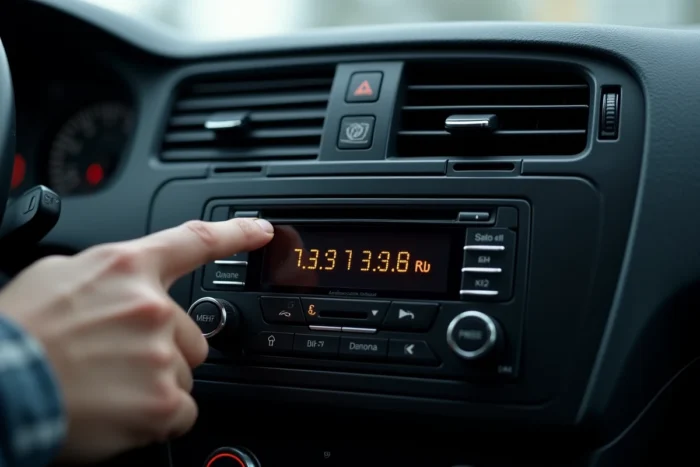
Entering the Volkswagen Car Radio Code: Procedure by Unit Type
The entry method varies depending on the embedded system. On units with physical buttons (RCD 210, RCD 310), each preset button (1, 2, 3, 4) corresponds to a digit of the code. Pressing button 1 multiple times scrolls through the first digit, and so on for the next three.
On touchscreen units (RNS 510, Discover Media), a numeric keypad appears directly on the screen. The entry is more intuitive, but the final validation may require pressing a physical button or confirming via the screen.
- Button units: use buttons 1 to 4, each press increments the corresponding digit
- Touchscreen units: enter the code on the displayed numeric keypad, then validate
- In both cases, the car radio code consists of exactly 4 digits
Once the correct code is validated, the car radio unlocks and operates normally until the next power cut. To avoid going through this procedure again, noting the code on a label slipped into the vehicle’s maintenance booklet remains the simplest precaution.
The locking of the Volkswagen car radio protects against theft, but it also traps legitimate owners after a battery intervention. Checking the vehicle documents before any other steps remains the quickest reflex, and the only one that costs nothing.